Before You Choose a Sketching Solution, Ask Yourself This
Restoration
5 min read
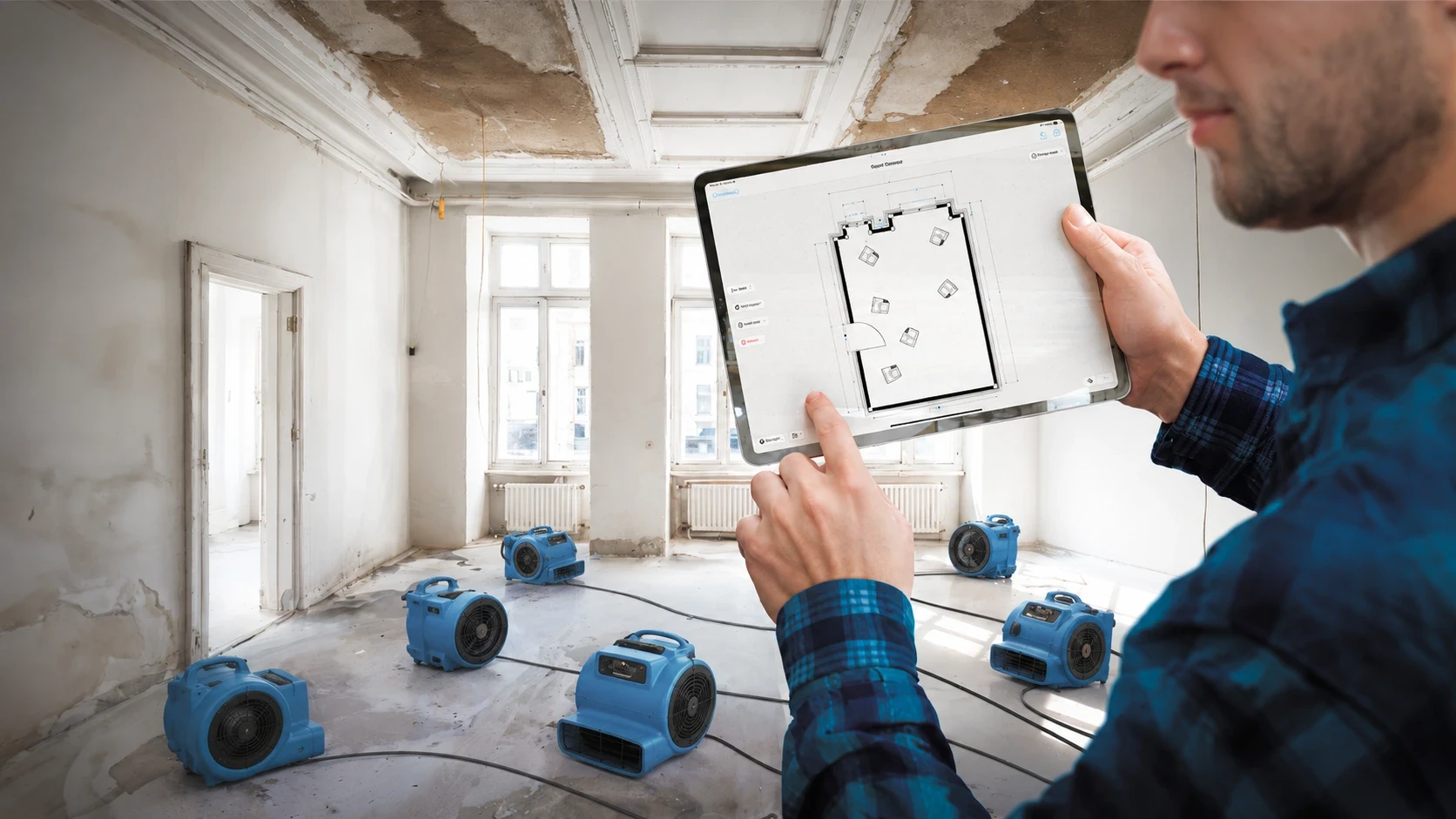
Eight questions I think every restoration contractor should be able to answer and why getting them wrong is costing people real money.
By Andreas Böhm, CEO, magicplan
I have spent years at the intersection of sensor technology and restoration workflows. I have read the spec sheets, sat through the demos, and talked with contractors who have lived with these tools through storm seasons and complex losses. And I keep arriving at the same observation: the way most restoration businesses choose a sketching solution has almost nothing to do with how those solutions actually work.
That gap is expensive. Not in an abstract way, in a very concrete, accounts-receivable way. The wrong sketching service doesn’t just slow your team down. It creates documentation that carriers push back on, invoices that stall in collections, and disputes that erode the relationship you’ve spent years building.
So here is my honest attempt to reframe how to think about this decision. Not a feature matrix. Not a vendor comparison. Eight questions I think are worth sitting with before you commit.
A demo is not a job site. A demo is a clean, well-lit room staged for success. What matters is what the tool does when your tech has 40 minutes, no power, and four more calls tonight.
1. Do you know what type of sketching solution you’re actually buying?
There is more variation under the hood of “sketching apps” than most buyers realize. Camera-based systems use photogrammetry to infer dimensions from images. Video-based platforms process walkthrough footage into floor plans after the fact. Static LiDAR scanners build dense 3D point clouds from a fixed tripod. Moving LiDAR on a phone or tablet generates a floor plan in real time as the tech walks the space. And laser-based sketching (using a Bluetooth distance meter paired with a mobile app) physically measures each wall directly.
These are not variations on the same approach. They are fundamentally different bets about where accuracy comes from and who controls it. The choice you make determines the character of every job your team documents from that point forward.
2. Who actually controls the output and when?
This is the question I care about most, and it is almost never asked in vendor evaluations. Every sketching service runs through three layers: sensors that read the space, algorithms that interpret that data, and humans who capture, draft, and assemble the result. Each layer adds variance. The question is: which of those layers do you control, and at what point can you see and correct errors?
For platforms like Matterport or DocuSketch, the field operator captures raw data and hands it off to a pipeline - cloud AI, back-office drafters, or both - that produces the finished floor plan hours later. That pipeline can perform very well. But when it doesn’t, the contractor has no visibility into where the error entered, and no way to fix it while still on-site.
DocuSketch is worth pausing on here, because they just made a significant change. For years, their accuracy was genuinely strong but that accuracy was delivered by a skilled team of back-office sketch operators, not by the technology itself. They are now replacing those operators with on-device AI. I am not criticising that decision; it is their product to evolve. But it does mean the layer that was responsible for their historical accuracy is the layer being removed. Contractors who chose DocuSketch for its claims documentation quality should understand that the source of that quality has changed.
The contractor who controls the measurement controls the narrative. If your sketch comes back from a service pipeline and it’s wrong, you have limited standing to say why — because you don’t know why.
3. What happens when conditions are not ideal?
Every platform performs well in a clean, intact property. Restoration sites are not clean, intact properties. Low light, reflective surfaces, standing water, exposed framing, and rooms full of equipment are the conditions that matter and they stress these tools in very different ways.
Matterport’s 3D LiDAR creates phantom geometry from specular reflections off standing water. iGUIDE’s 2D LiDAR beam fires at a fixed height of 4 feet 6 inches any object at that elevation blocks the beam and creates a measurement shadow behind it. PLNAR and Auto-Scan modes built on Apple’s RoomPlan framework degrade in low light because the underlying tracking system depends on visual features to maintain position. Camera-based systems like DocuSketch are actually immune to reflections (a 360° photo captures what is visible regardless), but they depend entirely on a single physical constraint (camera height at exactly 5 feet 2 inches) that is easy to compromise on a debris-covered floor.
A Bluetooth laser works in total darkness. It has its own beam, is unaffected by dust or reflective surfaces, and returns a measurement the moment it hits a solid surface. That is not a small advantage in restoration conditions. It is the entire ballgame.
4. What are the actual costs, including the ones that don’t show on an invoice?
Hardware costs are visible and easy to compare: roughly $800 for a DocuSketch kit, $2,200 for iGUIDE’s PLANIX, $6,000 for a Matterport Pro3, $200–$400 for a Bluetooth laser that pairs with a phone your tech already carries. Subscription and per-project processing fees are also visible, though they compound faster than most buyers expect over a full year.
The costs that actually determine ROI are harder to see. A return visit to re-capture a job the service pipeline got wrong costs two to three hours of labor and kills the efficiency you thought you were buying. Collections friction from documentation that carriers push back on drags out your AR and erodes adjuster relationships over time. And perhaps most importantly, the more tools in a technician’s stack, the less likely any of them get used consistently. A team juggling four disconnected apps will revert to whatever is easiest under pressure. Poor visual documentation, disputed invoices, and stalled AR are the downstream consequences.
The business case for a single, field-driven sketching solution is not primarily about the software cost. It is about compressing the distance between “job captured” and “invoice paid.”
5. Does the level of detail scale with the job?
A $2,000 mitigation job and a $100,000 reconstruction job do not need the same sketch. For mitigation, you need accurate room dimensions, ceiling heights for drying calculations, affected surface areas, and equipment placement. For reconstruction, you need wall assemblies, finishes, trim, cabinetry, stair geometry, and enough structural detail to support line-item estimating in Xactimate software without an adjuster having to visit the site.
A restoration software platform that forces you to over-engineer small jobs or under-document large ones is not solving your problem, it is creating a new one. The right tool scales across that range without requiring you to switch platforms or send data out for supplemental processing.
6. Can it handle both mitigation and reconstruction on the same job file?
This is where I see a lot of contractors get caught. They buy a sketching service optimized for one scenario and discover too late that it does not carry them through the other. Mitigation and reconstruction are different documentation disciplines. Mitigation sketching is about volumes, affected areas, and drying scope. Reconstruction sketching is about surfaces, assemblies, and line-item detail for estimate software.
A modern sketching solution should handle both fast capture with real-time verification for mitigation, and the structural depth needed for reconstruction within the same workflow and the same file. If you are stitching two different tools together at the handoff between phases, you are introducing unnecessary complexity and a real opportunity for error.
7. What does “accuracy” actually mean for your business?
Accuracy claims get thrown around freely in this space, and they are almost never defined in a way that tells you what they mean on a real job. So let me be concrete about what ±2 inches per wall actually costs.
Take a master bedroom at 14 feet 3 inches by 12 feet 8 inches: 180.7 square feet. A ±2-inch error per wall creates a worst-case swing of about 9 square feet, roughly 5 percent. On drywall, paint, and flooring across a full house with 8 to 10 rooms, that cumulative error can reach $500 to $1,500 on a $15,000–$25,000 claim. A sketch that consistently runs 2 to 3 percent high looks like padding to a carrier reviewer, even when it is measurement noise. A sketch that runs low means you are supplementing, and supplements are a conversation nobody wants.
The more important accuracy question is not about averages, though. It is about repeatability. Can your least experienced technician produce a sketch that is close to what your best technician produces?
Platforms that build verification into the field capture step where the tech can see and correct measurements in real time narrow that gap. Platforms that process in the cloud and deliver results the next day widen it. In a franchise or multi-location operation, the variance across your team matters more than the peak performance of your best operator.
8. What does the platform do beyond the sketch?
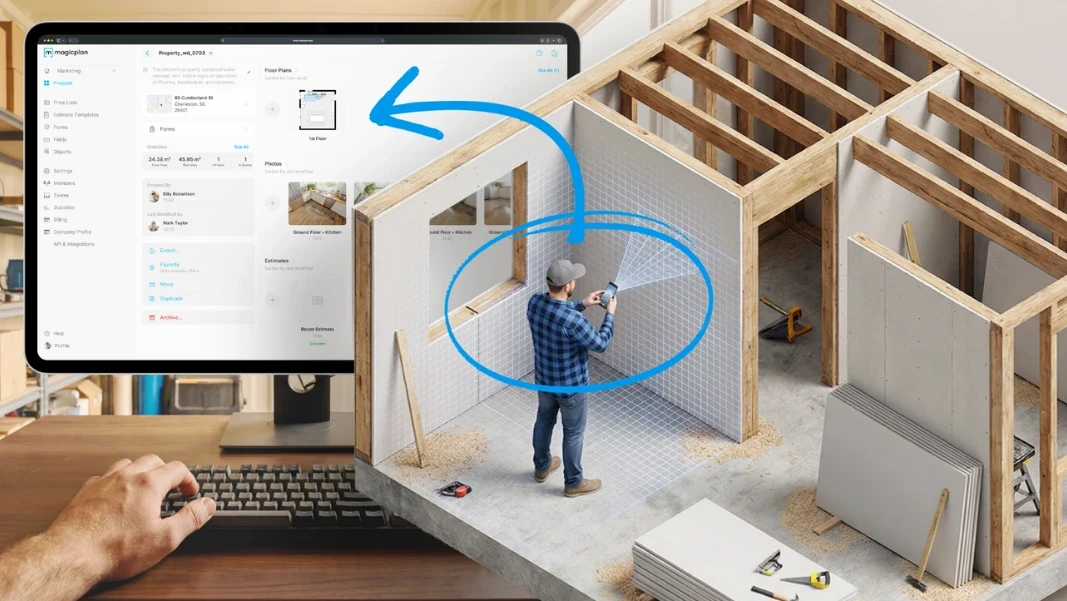
The floor plan and the ESX file for XactimateⓇ are the deliverables everyone talks about. But the value of a sketching solution extends into how that output connects to the rest of your workflow. A sketch that lives in a separate system from your photos, notes, and job documentation creates friction at every handoff between field and office. A platform that ties visual documentation, measurements, annotations, and export formats together in one file reduces that friction and makes the documentation package that supports your invoice materially stronger.
Export flexibility matters too. The ability to produce ESX, PDF, DXF, and other formats directly from the sketching app means fewer tools in the chain and less rework. And if your platform requires specialized hardware that not every tech has on their truck, you have a scheduling and consistency problem that gets worse as your team grows.
The sketch is not just a technical artifact. It is the foundation of your invoice. It is what you show a carrier when they push back. Build it like it matters.
The question underneath all of these questions
What I am really asking with all eight of these is: do you understand what your sketching solution is actually doing, and do you have enough control over the output to stand behind it?
The restoration software market has given contractors a lot of options. Some of them trade speed on-site for latency downstream. Some of them trade hardware cost for accuracy. Some of them trade ease of adoption for control over the measurement. None of those trade-offs is automatically wrong. But you should be making them consciously, with a clear picture of what you are getting and what you are giving up.
The shift happening right now in this industry (away from service-dependent, wait-for-the-results workflows and toward on-device, field-driven sketching) is a response to contractors learning, often the hard way, where the real costs live. Not in the subscription fee. In the collections dispute six weeks later. In the return visit. In the technician who never fully adopted the tool and improvised instead.
If your current sketching service is working well by those measures, stay with it. If it is not, I would encourage you to look under the hood before you replace it with something that has the same structural problems dressed up in a better demo.
For what it is worth, this is exactly the problem magicplan was built to solve. The platform is sensor-agnostic by design, it works with Auto-Scan using the iPhone’s LiDAR for fast capture in standard conditions, and with a Bluetooth laser for situations where you need to know the measurement is right before you leave the room. Many restoration teams use both in the same job: Auto-Scan for clean, undamaged areas, laser for anything complex or heavily affected. The ESX file is ready when the tech walks out. No pipeline to wait on, no drafter to disagree with, no return visit to re-capture what the algorithm got wrong.
That is the bet we have made: that putting the measurement in the hands of the person standing in the room, with tools precise enough to trust and a workflow simple enough to actually use, produces more consistently defensible claims documentation than any service-dependent approach — at the scale and pace that restoration work actually demands.
About the Author
Andreas Böhm is the CEO of magicplan, where he leads product strategy at the intersection of software design, spatial computing, and real-world fieldwork for restoration and renovation teams. With a background in software engineering and sensor technology, he works closely with contractors and carriers to design field-capture workflows that balance accuracy, speed, consistency, and scalability.
Share

Andreas Boehm
CEO





