



Contents
About the integration
What it does
How it works?
Requirements
How to set it up
FAQs
About the integration
This integration connects Slack with magicplan to share project updates and files with your team. It automates notifications and document sharing to keep team members informed about project progress.
What it does
Send automatic notifications to a Slack channel when a magicplan project is exported.
Post exported project files and floor plans directly to a Slack conversation.
Share project photos from magicplan in a specific Slack channel.
Create Slack reminders automatically when a new project is exported in magicplan.
How it works?
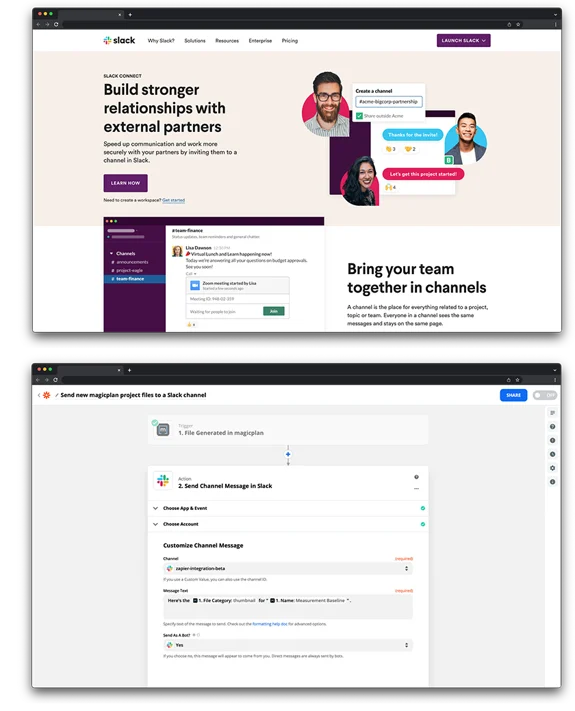
The connection uses Zapier to link Slack and magicplan. When you complete an action in magicplan, such as exporting a plan, Zapier sends a message or file to a designated Slack channel or user based on the rules you set.
Requirements
Active magicplan account
Slack account
Zapier account
How to set it up
Log in to your Zapier account.
Select magicplan and Slack from the list of apps.
Choose a trigger from magicplan, such as "New Export."
Choose an action for Slack, such as "Send Channel Message" or "Upload File."
Log in to your magicplan and Slack accounts to authorize the connection.
Select the Slack channel where you want the updates to appear.
Map the magicplan data fields to the Slack message and test the connection.
Turn on the Zap.