Easy 360° Panoramas in magicplan: No Special Cameras Required
Inside magicplan
5 min read
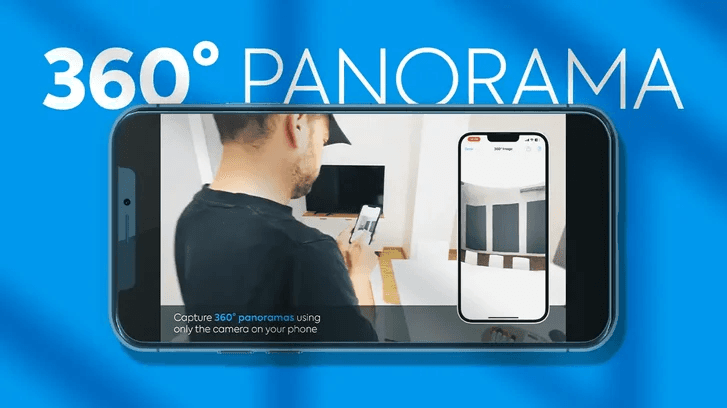
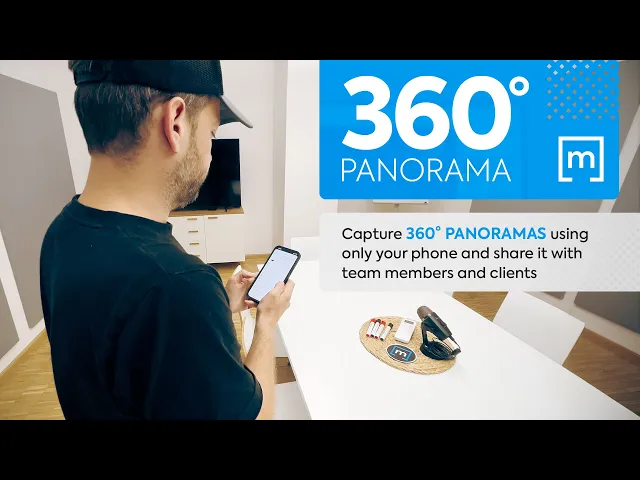
The introduction of the 360° panorama feature in magicplan has broadened horizons, literally. Bringing spaces to life without specialized equipment, this feature's potential is vast and varied. Here's an exploration of its capabilities and some intriguing applications across industries.
n this guide:
Getting Started: How to Use the 360° Panorama Feature
Getting Started: How to Use the 360° Panorama Feature
Capabilities of 360° Panorama in magicplan:
1. Floor Plans Integration: Now, alongside your conventional floor plans, you can seamlessly integrate panoramic images. This gives viewers an immersive experience of the space, almost as if they were standing right there.
2. Remote Accessibility: Whether you're in another city or on another continent, you can now immerse yourself into sites and plans. This is especially valuable in today's digital age where remote work and collaboration are commonplace.
3. Detailed Site Documentation: With the 360° panorama feature, the nitty-gritty details of a site are no longer missed. It offers a comprehensive view, ensuring that every corner and detail of a site is captured.
4. Enhanced Client Interactions: This feature offers clients a transparent view of spaces. It's more engaging, memorable, and can set you apart from the competition.
5. Optimized Team Communication: For projects that involve multiple team members, this feature can streamline communication. Everyone gets the same clear view, reducing misunderstandings and misinterpretations.
Industry Applications
Restoration: In the event of damages due to unforeseen circumstances like fires or floods, restorers can use the 360° panorama to capture the extent of damage. This not only helps in assessing the level of work required but also in showing clients the progress made after restoration.
Claims: When assessing property damages for insurance claims, adjusters can now document the site more efficiently. A panoramic view provides a holistic representation of damages, streamlining the assessment process and ensuring transparency.
Home Inspection: Before purchasing or renting a property, potential tenants or buyers can get a walkthrough. Home inspectors can also document the current state of a property, ensuring all parties have a clear understanding.
Real Estate: Real estate agents can elevate property listings by offering potential buyers or renters a 360° view of the property. It adds an edge to the listing, allowing viewers to visualize the space better.
Renovation: Contractors and interior designers can use the feature to capture a space before the renovation begins, giving clients a 'before' view. Post-renovation, a new panorama can showcase the transformation, offering a compelling 'before and after' comparison.
Wrapping Up
In conclusion, the integration of the 360° panorama feature in magicplan is not just a step forward in visual documentation but a leap. It caters to a wide range of professionals and can significantly impact how spaces are presented, shared, and understood. Whether you're in real estate, restoration, event planning, or numerous other industries, this tool can redefine your approach. So why wait? Dive in and experience the new dimension magicplan has unfolded for you.