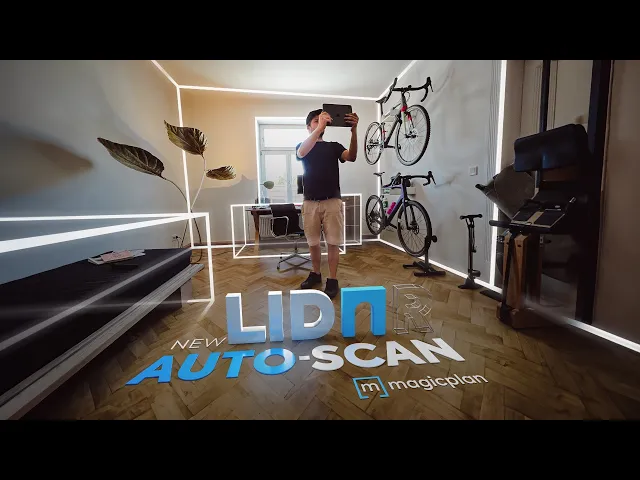
LiDAR Auto-Scan is here!
Inside magicplan
1 min read
You can now scan multiple rooms and objects in one session using LiDAR.
It's as easy as recording a video.
Key benefits
✅ Single session: Scan multiple rooms in one session without switching between scan and floor plan mode
✅ Accuracy: High accuracy of measurements
✅ Object auto-detection: Automatically detect windows, doors, and furniture objects
Here, you can watch us scan an entire furnished apartment using the LiDAR Auto-Scan. Here, you can learn more about the LiDAR Auto-Scan.
In order to access The LiDAR Auto-Scan you should make sure that your app is updated to the version 2023.11.0.
*The new Auto-Scan is only available on iOS devices with LiDAR sensors.
We constantly want to improve magicplan. Please ask questions, give feedback, and share your ideas. We’re always happy to connect with members of our community.
Share
Key benefits

Bernd Wolfram
CPO





