How to Migrate from DocuSketch to magicplan (A Step-by-Step Guide)
Restauration
4 min read
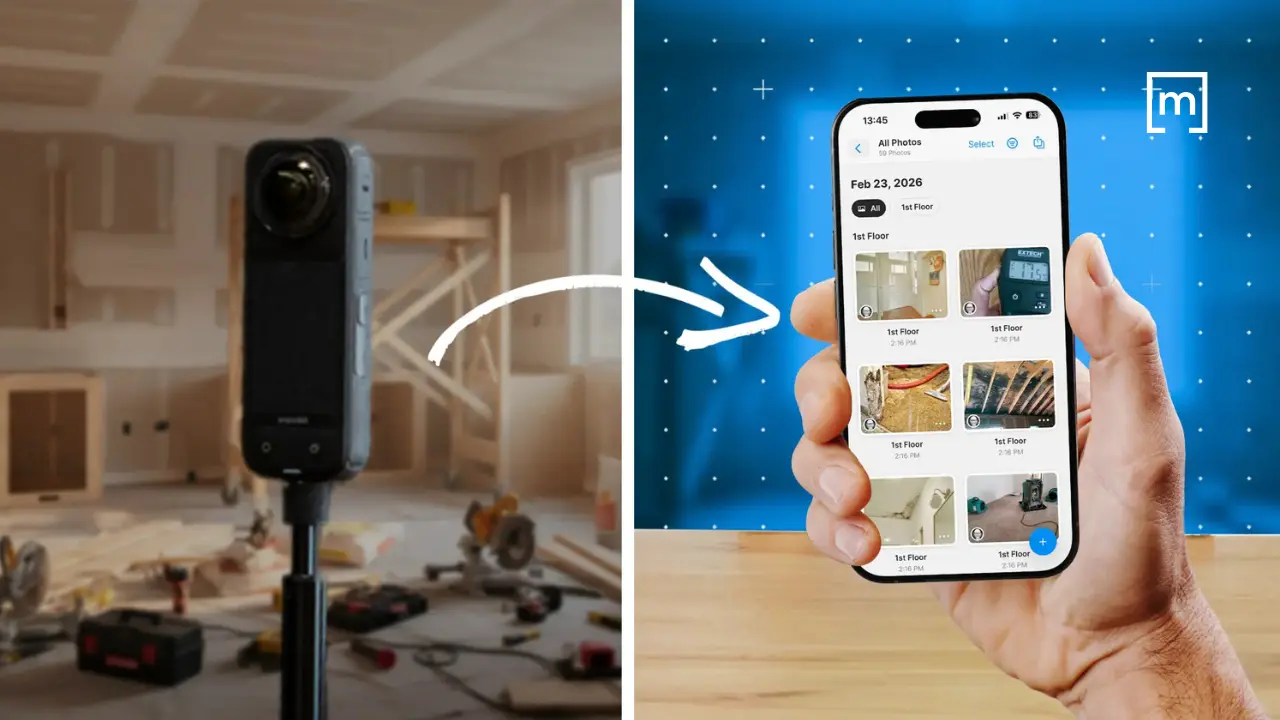
When you run a restoration company, you don’t have time for restoration software drama. You need tools that help your team document a job quickly, capture what matters, and hand it off cleanly to estimating — without slowing down production or retraining your entire staff every time a platform changes direction.
If you’ve been using DocuSketch for a while, it’s probably woven into your workflow. Your techs know how to walk a site with it. Your estimators know what to expect from the output. And you may be hesitant to touch anything that “works well enough,” even if it creates friction behind the scenes.
But here’s the reality many contractors are facing: DocuSketch’s workflow is evolving, and the ‘cost of switching software’ argument isn’t what it used to be. If you’ve been thinking about moving to magicplan — or if you’re simply trying to understand what a practical transition looks like — this guide is written for you. Not as a sales pitch, but as a field-aware roadmap for making the shift without disrupting jobs in progress.
Why Contractors Are Re-evaluating Their Claims Documentation Workflow
Let’s start with the pain points you already know too well:
Delays between capture and usable documentation
Inconsistent field habits across technicians
Too much cleanup work before estimating can begin
Handoff friction between field and office
Training overhead every time a tool changes or adds steps
DocuSketch has helped many restoration teams standardize documentation, but it also leans heavily on a service-driven workflow. That means you’re often waiting on someone else to finish the job before you can move forward. When you’re dealing with any type of restoration project—water, mold, reconstruction, contents, or general mitigation—waiting can cost you time, clarity, and sometimes scope.
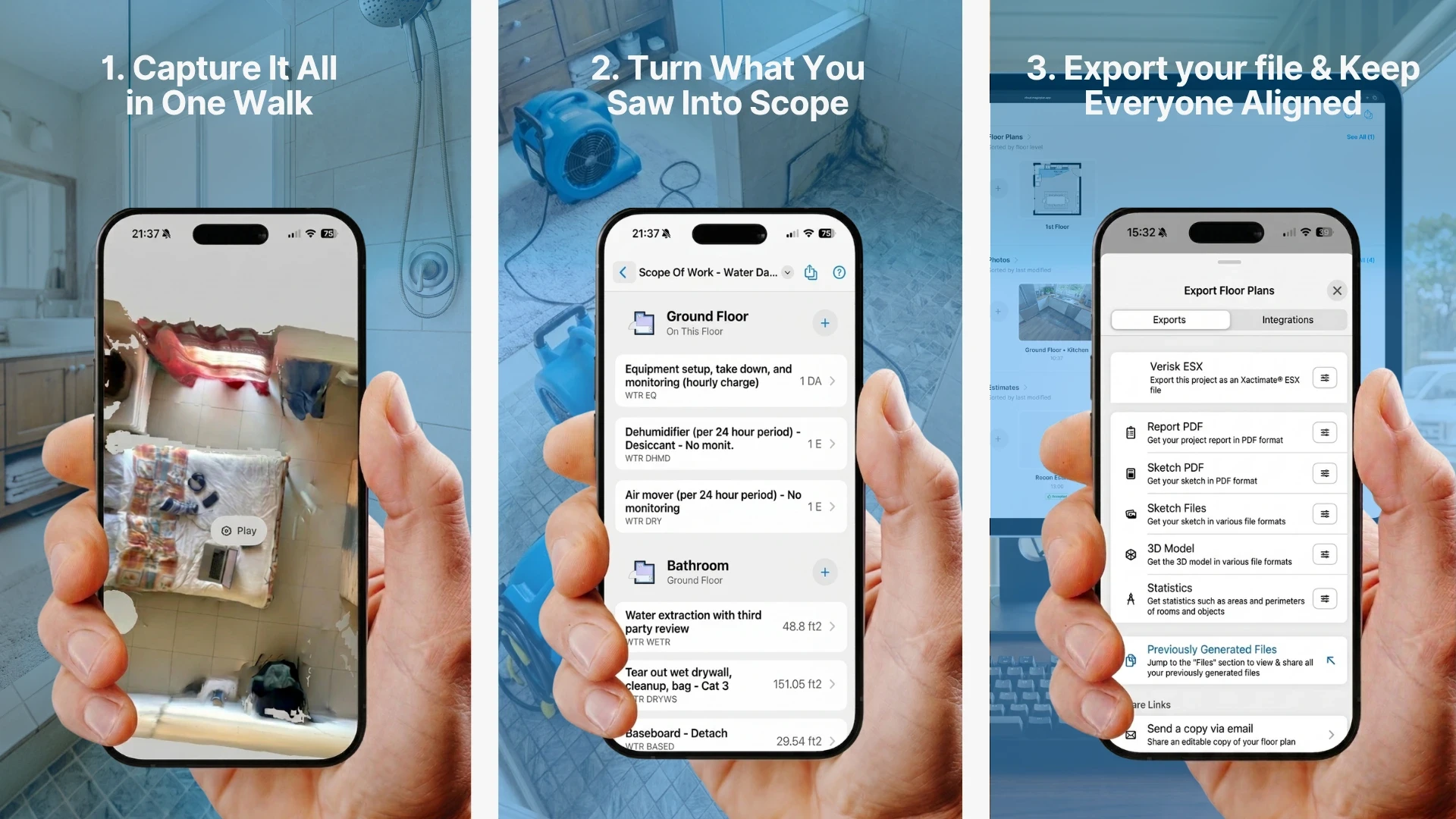
But magicplan takes a different approach. It’s built for contractors who want more control in the field, a direct path from capture to estimate, and less dependency on external processing. The goal isn’t to replace one app with another; it’s to streamline the entire capture-to-estimate pipeline.
What You Actually Gain by Moving to magicplan
A Field-Practical Migration Path
Addressing the Common Fears About Switching
“My team is already trained on DocuSketch.”
True — but they’re trained on capturing a site, not on a specific app. Most techs pick up magicplan quickly because it mirrors how they already think about documenting a job.
“I don’t want to slow down site visits.”
magicplan is built for speed. Most contractors find that once templates are in place, capture is actually faster.
“I’m worried about losing consistency.”
magicplan’s templates and required capture items actually increase consistency across techs.
“Estimators won’t want to learn something new.”
Estimators usually care about one thing: getting clean, complete documentation. magicplan gives them that with fewer steps.
“Switching tools will disrupt jobs in progress.”
Not if you follow the phased approach above. You can migrate new jobs while finishing old ones in DocuSketch.
Why This Migration Is Really a Process Improvement
This isn’t about swapping one app for another. It’s about tightening your entire workflow:
Less waiting
Less cleanup
Less friction
More control in the field
More consistent documentation
Faster estimating
Better adjuster communication
When you look at it through that lens, the question isn’t “Should we switch?” It’s “How much longer do we want to deal with the inefficiencies we already know exist?”
Conclusion
If you’ve been using DocuSketch for years, switching tools may feel risky at first. But when you consider that magicplan is about building a cleaner, more controlled, more predictable workflow from the first site visit to the final estimate, the switch makes a lot of sense.
Plus, a phased, step-by-step approach, makes the transition completely doable — without slowing down production or disrupting jobs in progress. And when your team sees the speed and clarity of the new workflow, the switch will stop feeling like a burden and start feeling like an upgrade.
READ MORE: Modern Scoping: How Restoration Pros Capture Every Line Item