7 Restoration Industry Software Tools for Fire-Damage Assessment: Which One Is Best for Your Business?
Restauration
4 min read
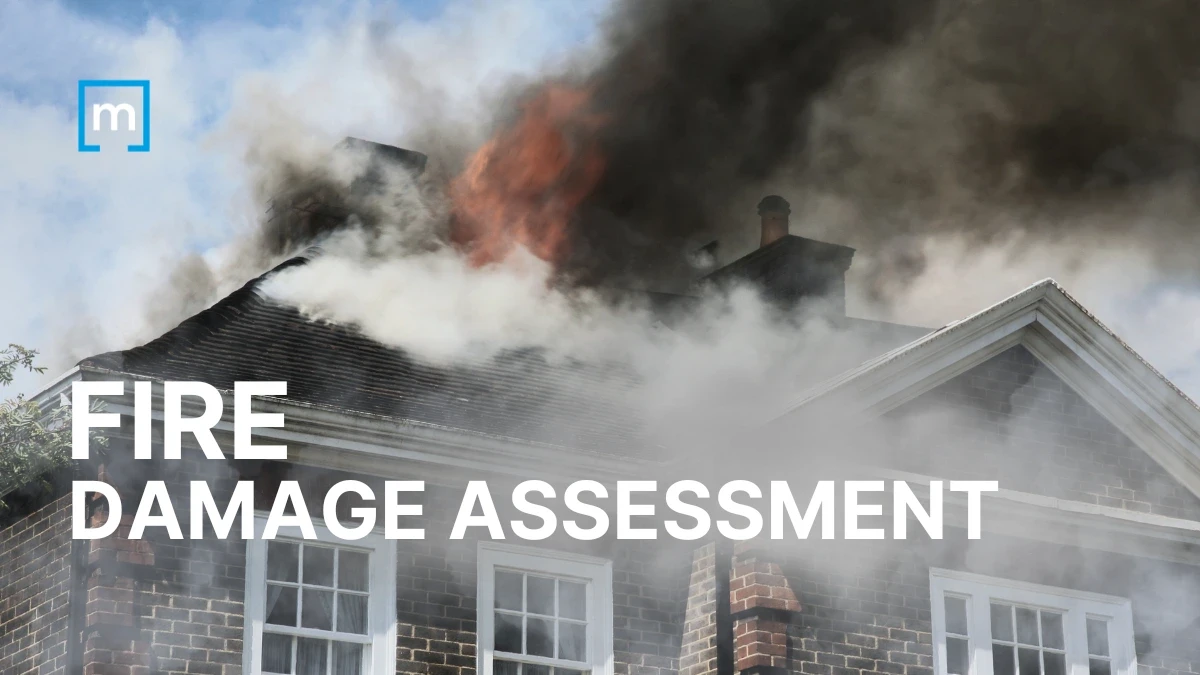
Fire-damage work moves fast, and the pressure is real. You’re juggling smoke migration, charring, structural concerns, content cleaning, equipment logs, and an insurance carrier that wants airtight documentation. The right restoration software can shave hours off every job while protecting you from disputes later. This guide walks through seven fire-damage assessment tools available today with a look at each tool’s best application, as well as strengths and weaknesses.
Why Are Fire-Restoration Software Tools Considered Essential?
Properly created digital documentation reduces disputes with insurance carriers by ensuring that data is comprehensive, consistent, timestamped, and tied to floor plans.
How Can I Choose the Best Fire-Damage Assessment Software?
Check out the quick-comparison table below. Then read the rest of this guide to dive deeper and determine which software app is best for your business.
Tool | Best For | Strengths | Limitations |
|---|---|---|---|
magicplan | Fast, all-in-one fire-damage documentation | Sketches, photos, notes, equipment + monitoring logs, exports | Works best with full team adoption |
Matterport | Large-loss visuals | 3D walkthroughs | Slow capture, large files; no in-app sketching |
CompanyCam | Quick field photos | Simple, fast | No scoping tools for documentation purposes |
Xactimate® Mobile | Estimating with Xactimate® | Carrier alignment | Not ideal for capturing field photos or notes |
Cotality | Tracking job costs, labor, and equipment tracking | Real-time cost visibility, equipment accountability | Must be paired with a documentation tool |
Encircle | Fast photo documentation | Photo tagging, content capture | Limited floor plan and documentation detail |
DocuSketch | Detailed 360° capture | 360 camera scans | Time consuming and limited note detail |
1. magicplan
Best for: Saving time. If your goal is to capture complete, carrier-ready documentation in the field without bouncing between apps, magicplan is your best software solution. While the other tools listed in this article may excel in specific areas, magicplan brings all documentation aspects together in one workflow (i.e., sketches, photos, notes, equipment logs, and exporting capabilities).
As a result, it helps you minimize time spent on job-site assessments. And it holds up under scrutiny. When an adjuster asks, “Where exactly was this soot staining?”, you can point to the exact wall, with timestamped photos and notes. This high level of clarity reduces disputes, speeds up approvals, and helps you close out jobs faster.
STRENGTHS
One Platform for Multiple Uses: For fire damage, you often deal with mitigation + content cleaning + reconstruction. The magicplan app supports all those phases, so you can easily document any job from start to finish.
Real-Time Sketch Capture: magicplan stands out because it ties all job-site details to an accurate fire-damage floor plan.
Labeling: You can quickly sketch a room, name the sketch, and then mark it to identify charred materials, smoke-affected areas, and debris-removal zones
Integrated Documentation: Photos, notes, air-quality readings, and moisture readings all live in one place.
Helps Ensure Compliance: Structured and detailed documentation aligns with NFPA guidance and IICRC S500 and S520 guidance.
Equipment & Monitoring Logs: You can track use of drying and cleaning equipment, and your logs will be automatically tied to specific rooms.
Easy, Carrier-Friendly Exports: magicplan will create an ESX export for Xactimate users, plus PDFs and other export formats.
LIMITATIONS
Somewhat of a learning curve for advanced features.
Works best when the whole team uses it consistently.
FIELD-USE TIP
Sketch the structure first, then walk room-by-room adding photos and notes. This keeps each room’s documentation tied to the right space and reduces the risk of missed items.
2. Matterport
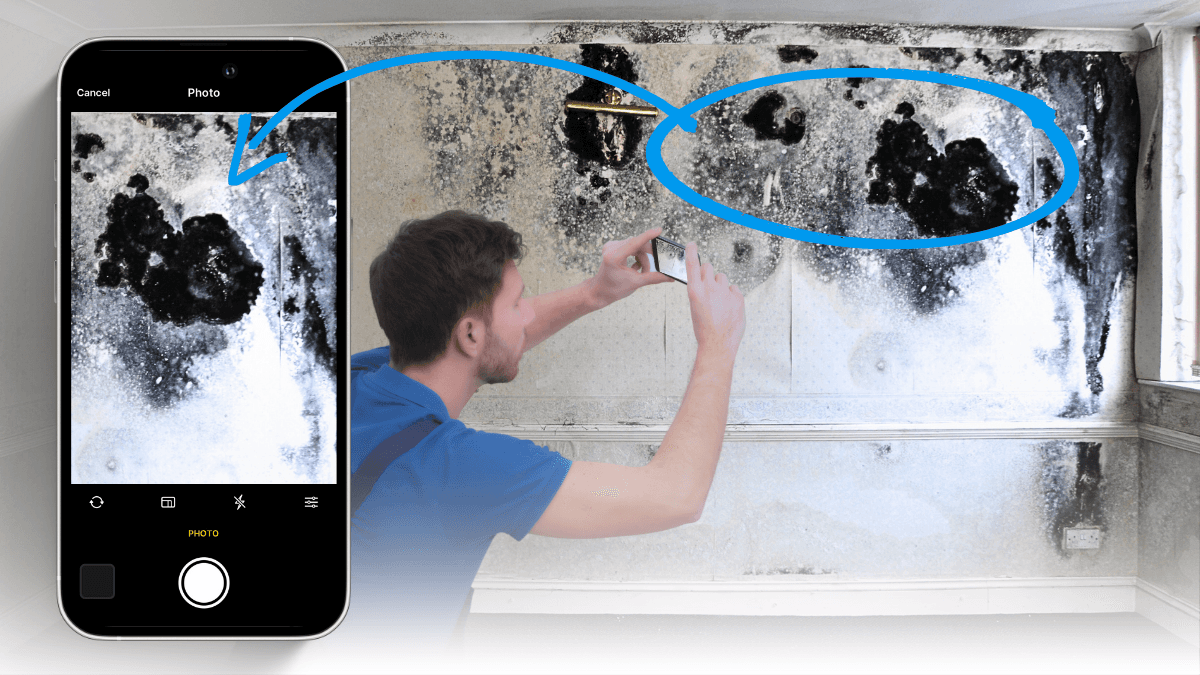
Best for: Large-loss fire jobs where immersive 3D walkthroughs help justify scope. Matterport creates immersive 3D scans that adjusters appreciate for large commercial fires or complex residential losses.
STRENGTHS
High-quality 3D walkthroughs.
Good for documenting smoke-migration paths.
LIMITATIONS
Slow capture, large files (no in-app sketching).
Hardware requirement: it’s best used with Matterport cameras.
Notes and annotations are less flexible than magicplan’s room-based system.
FIELD-USE TIP
Use Matterport for the initial visual documentation capture, then rely on another tool, such as magicplan, for sketching, notes and equipment tracking.
3. CompanyCam
Best for: Quick photo capture and team communication.
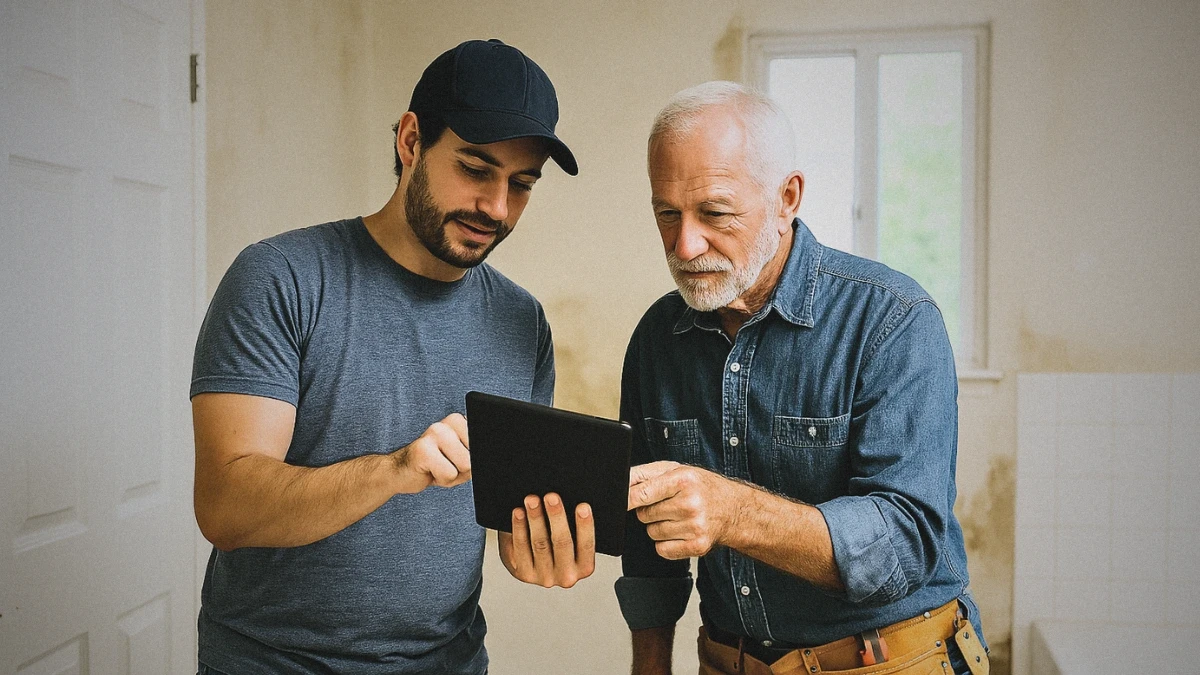
CompanyCam is simple and fast, making it useful for documenting soot staining, charred framing, or equipment placement.
STRENGTHS
Easy to use for photo capture.
Good for sharing photos with office staff.
Useful for before/after comparisons.
LIMITATIONS
Very limited scoping tools; primarily a photo documentation and communication app.
No floor-plan integration.
FIELD-USE TIP
Integrate CompanyCam with magicplan to sync project photos and site data.
4. Xactimate® Mobile
Best for: Estimators who need to align with IICRC S520 or NFPA guidelines, in order to meet carrier expectations.
STRENGTHS
Estimates that meet published industry standards.
Integrates directly with ESX files from magicplan, and with desktop Xactimate software.
Good for final scoping.
LIMITATIONS
Many restorers find it’s not ideal for capturing field photos or notes.
Steeper learning curve for new users.
Sketching with this app is slower than sketching with some other apps.
FIELD-USE TIP
Instead of using Xactimate Mobile for field capture, do this: Capture your documentation in magicplan, and then export it to Xactimate restoration estimating software.
5. Cotality
Best for: Tracking job costs, labor, and equipment usage across fire-restoration projects.
Cotality isn’t a traditional fire-damage assessment tool, but it’s becoming a go-to option for some restoration contractors who want tighter control over job costing, labor allocation, and equipment usage, all areas that can spiral on fire losses. When you’re juggling mitigation, content cleaning, deodorization, and reconstruction, Cotality helps you see where your time and resources are actually going.
STRENGTHS
Helps with cost tracking by monitoring labor hours, equipment usage, and job expenses as they happen.
Useful when you’ve got air scrubbers, hydroxyl units, negative air machines, and dehumidifiers deployed across multiple rooms or multiple jobs.
Shows who’s on-site, what tasks are completed, and what’s still pending.
Helps prevent overages on long-running fire jobs where labor and equipment can balloon quickly.
LIMITATIONS
No floor plan integration, so it doesn’t replace a documentation tool like magicplan.
Not designed for smoke-damage documentation or structural assessment.
Works best when paired with a field-documentation app.
FIELD-USE TIP
Use Cotality to track labor and equipment costs, but pair it with magicplan for the actual fire-damage assessment, photos, notes, and floor plan documentation. This gives you both carrier-ready proof and internal cost control, which is especially important on multi-phase fire jobs.
6. Encircle
Best for: Crews who prioritize contents documentation.
Encircle software is good for fire jobs with heavy soot, smoke migration, or content damage, it helps you tag and categorize images efficiently.
STRENGTHS
Rapid photo capture with tagging.
Good for documenting contents before the pack-out process.
Integrates with Xactimate.
LIMITATIONS
Floor plan tools are limited compared to magicplan.
Not ideal for marking charring or structural concerns on a plan.
FIELD-USE TIP
Use Encircle for content inventory, then pair with a floor-plan tool if you n
7. DocuSketch
Best for: Fast 360° capture for adjuster communication.
DocuSketch is similar to Matterport but optimized for speed. It’s useful when you need to show smoke migration or structural damage visually.
STRENGTHS
360° camera capture.
Good for documenting large areas.
Compatible with Xactimate and Cotality.
LIMITATIONS
Less flexible for detailed notes.
Sketch turnaround depends on the service level; with express options, it can be as fast as about seven hours, while standard processing can take up to three days.
Typically used with a dedicated 360° camera kit, which is an extra cost.
FIELD-USE TIP
Use DocuSketch for initial capture, then switch to a more comprehensive and detailed tool for ongoing documentation.

KEY TAKEAWAY
Fire-damage work is demanding, and the claims documentation burden keeps growing. The right software helps you stay organized and deliver professional, comprehensive reports to carriers.
Review your current workflow and ask yourself: Does my tool capture all required documentation in one place? If not, it may be time to upgrade your fire-damage assessment toolkit.
MORE TIPS TO HELP YOU: Steps to Conducting a Thorough Fire Damage Assessment