Create Room Scans That Convert to CAD Drawings: magicplan Is Ideal App
Business Tips
5 min read
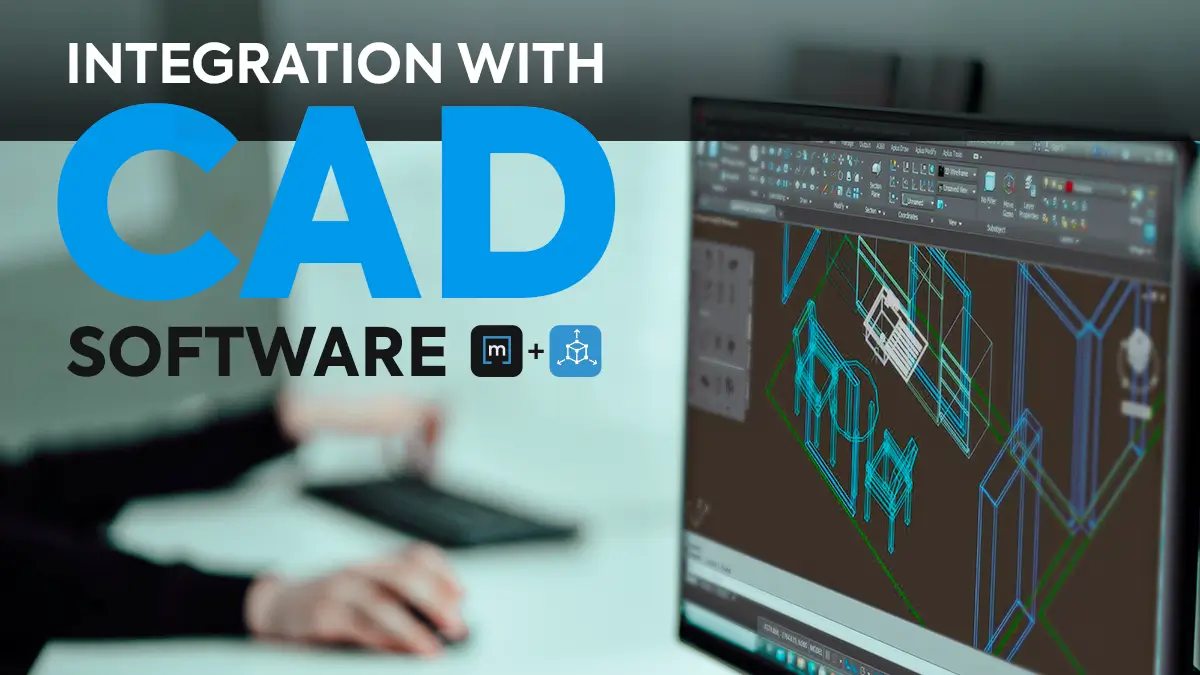
Can you combine the ease of a mobile floor-plan app with the sophistication of CAD technology? Absolutely! The key is to use a floor-plan app that enables CAD conversions. The magicplan app is well-suited for this purpose, and provides many other advantages as well.
Want to know more? Then you’ve come to the right place. In this brief article, we give you all the important facts about powerful magicplan/CAD integration – so you can understand how it will help you in your particular profession.
Let’s begin by quickly reviewing CAD and magicplan independently.
Then we will look at how and why these two tools work together.
Purpose of CAD
The purpose of Computer-Aided Design (CAD) is to streamline and improve upon the process of manual sketching and drafting. It is used to create comprehensive 2D or 3D plans that help visualize interior design and construction projects.
Benefits of CAD
Compared to traditional pen-and-paper sketching and manual drafting, CAD offers significant benefits. Here are some examples:
More efficient workflows
Higher user productivity
More accurate representations of project outcomes
Lower production costs for designs
Higher-quality designs with sharper details and better legibility
Ease of interpretation by collaborators
Ability to share files digitally
Faster, easier modifications
Purpose of magicplan
The magicplan app exists to make floor plan sketching faster, easier and more convenient for professionals. It is designed to use your mobile device’s camera and internal gyroscope to scan a room and detect corners, doors and windows. Then it uses augmented reality to sketch a floor plan within seconds.
But, hey, check out this exciting development: If you have a newer, late-model iOS device with LiDAR (Light Detection and Ranging) sensors, the scan-and-sketch process is even faster. Here’s why: the magicplan app will work in tandem with your device’s LiDAR technology to automatically detect, size and position all walls, ceilings, doors, windows and electrical outlets. That means you can zoom through scanning and sketching at an unprecedented pace.
Benefits of magicplan
The number one benefit of magicplan is increased productivity. Using magicplan to sketch a floor plan and then importing that scan into CAD is much faster and less complicated than creating a floor plan from scratch with CAD. What you used to do in a time span of hours, you can now do in minutes. This means magicplan is a game-changer that helps you make better use of your time!
Yet, you may be wondering: Can magicplan work with various CAD software programs? Absolutely! It provides flexible “CAD compatibility” – so, it’s sure to work with the CAD program you already have on hand.
Plus, here are even more reasons why magicplan can be helpful to you:
The magicplan app is available for both Android and iOS devices – so, it works with your platform of choice.
It’s a floor plan scanner app that creates professional-looking 2D and 3D floor plans without the use of a measuring tape, pencil and paper.
Minimal practice is required to get comfortable using the app (and it comes with in-app magicplan tutorial videos).
It produces crisp room sketches rapidly in real time.
Sketches are authentic, drawn-to-scale room depictions that are 95% accurate.
Or you can use a Bluetooth laser distance meter in combination with the app for near-perfect accuracy.
The magicplan app has a built-in library of structural and furniture objects, so you can add specific details to a sketch quickly.
The sketches are easy to read and thereby reduce ambiguity, to help you prevent misinterpretation and errors.
Each sketch can be shared conveniently, commented on and modified easily.
Finished room sketches can be combined to create a complete floor plan.
All associated data is automatically structured, providing a complete contextual understanding.
Unlimited storage and collaboration features to help you manage all your project from one place. Share plans, add comments, and tag others to make sure that everyone is on the same page.
How to Export magicplan Floor Plans to CAD
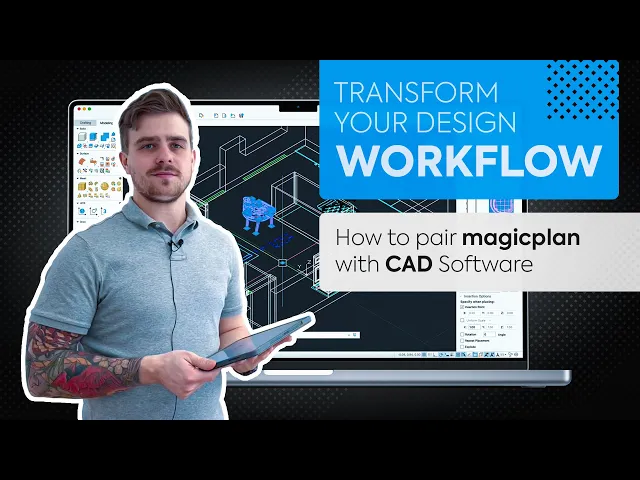
It’s easy: Simply export each floor plan as a DXF file. Then import that file into a CAD software program such as AutoCAD or SketchUp. To see how this integration works, watch the video below:

Advantages of Using magicplan and CAD Software Together
You can impress clients with your use of modern technology and methods.
You can vastly reduce the time spent on the creation of floor plans and associated data.
You can ensure the accuracy of your measurements before you start designing.
You can use magicplan’s extensive library of objects to enhance your floor plans before you even start working in CAD.
You can create your own custom 2D objects based on existing objects or by using the magicplan Editor.
You can breeze through the “scan to CAD” conversion process.
Sometimes you may need objects that are not included in magicplan. But don't worry; with magicplan's Custom Object Manager, you can create your own 2D and 3D objects directly in the Cloud.

Who Can Benefit from Using magicplan and CAD Together
CAD is used in a wide variety of professions. However, the magicplan/CAD combo is particularly useful for these four categories of professionals:
Architects and Drafters
Interior Designers
Residential Remodeling Contractors
Residential Restoration Contractors
NOTE: Commercial Interior Design Magazine named magicplan as one of 2021’s top five mobile apps for architects and designers!
Conclusion
Pairing magicplan with a CAD program is a powerful combination – a one-two punch that offers multiple advantages. If you work in architecture, design, remodeling or restoration, and you already use CAD software, then magicplan is a perfect tool for you.
Take time to visit the links below to learn more about it. You will be glad you did!
Share
Purpose of CAD
Benefits of CAD
Purpose of magicplan
Benefits of magicplan
How to Export magicplan Floor Plans to CAD
Advantages of Using magicplan and CAD Software Together
Who Can Benefit from Using magicplan and CAD Together
Conclusion

Benjamin Brown
Leiter Vertriebsakquise





