How to Enhance Restoration Documentation with magicplan Custom Objects
Restoration
4 min read
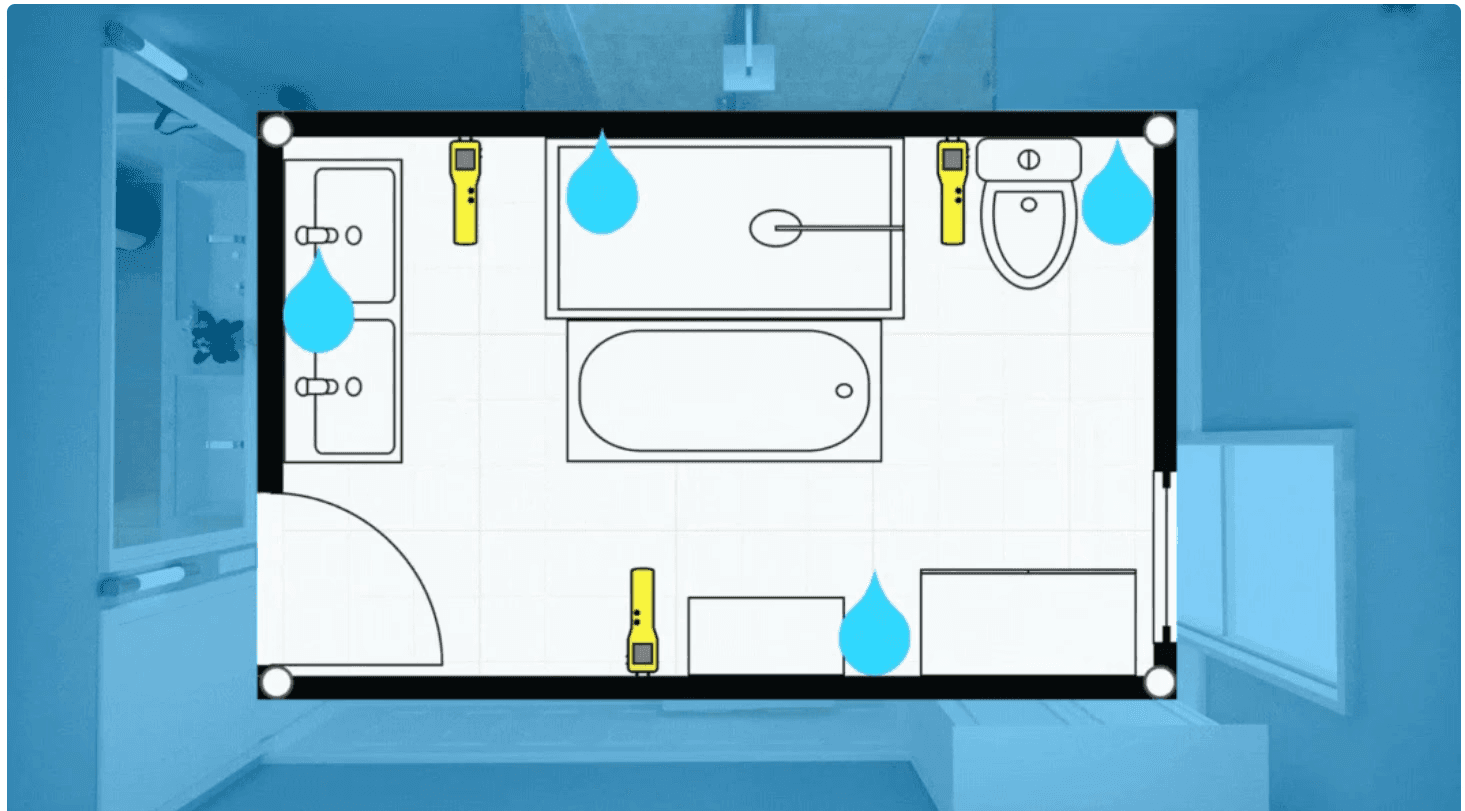
Accurate documentation is essential for restoration work to ensure that you get paid, communicate effectively with clients, resolve issues, and guide your team. To help you create tailored reports that highlight the exact equipment used on site and clearly annotate findings, magicplan offers the Custom Object Manager. In this guide, I will walk you through using the Custom Object Manager to improve documentation for your restoration projects.
Exploring magicplan’s Objects Library
The magicplan library has a diverse range of objects designed for restoration professionals. Let's explore magicplan's collection of restoration and annotation objects.
Restoration Objects
In the restoration catalog, you will find a variety of items that can help you with moisture mapping and readings, such as the "Humid Zone" marker and the "Humidity/Temp. Measure" object. You will also find equipment like Dehumidifiers, Air Movers and Air Scrubbers, which can be used to demonstrate how many and where they have been placed for drying jobs. These items can be easily added to your sketches to provide accurate and realistic representations of your job site.

Annotation Objects
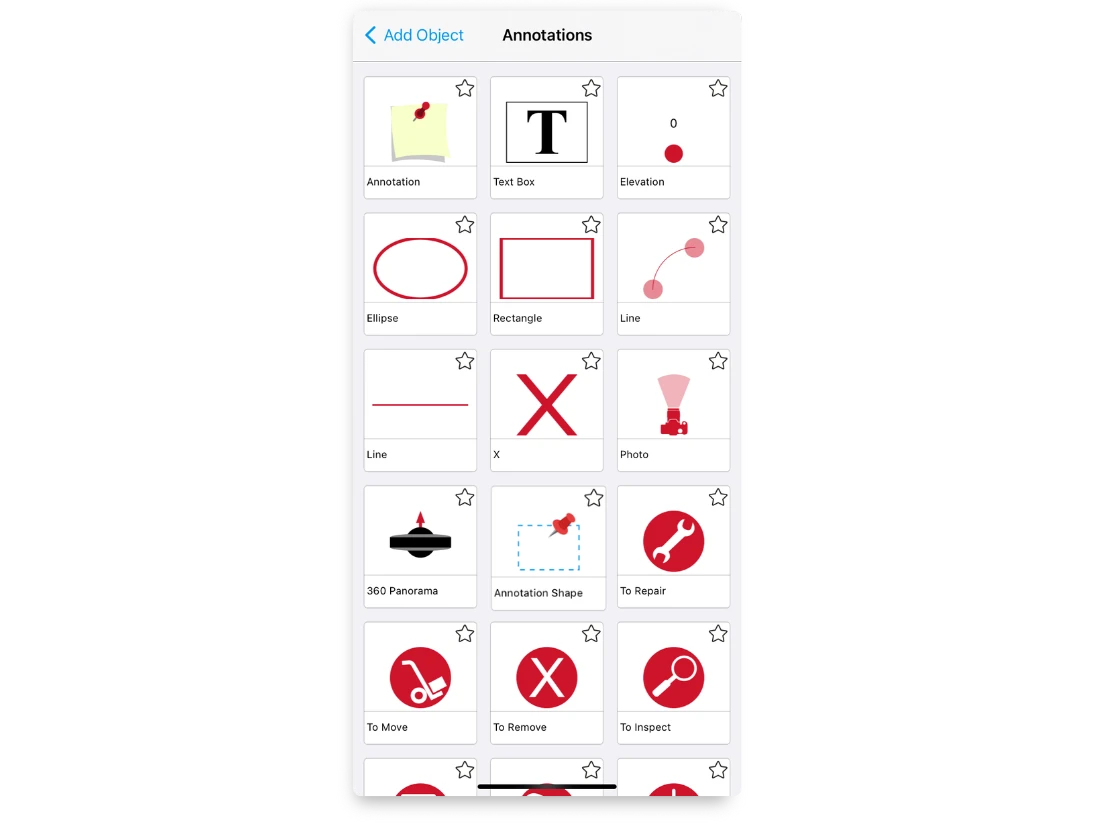
The annotations catalog has different shapes and icons that can be used to mark your findings. You can also find camera and 360 panorama icons to indicate where you were standing when taking a photo, along with other objects that are useful for communicating with your colleagues in the field or updating your team in the office.
Customizing Your Workspace with the Custom Object Manager
The Custom Object Manager is a feature in magicplan that lets you take personalization to the next level. It gives you the power to enhance the existing magicplan library with your own items. This means you can add any business-specific equipment or unique items that you frequently use in your restoration projects to your company workspace.
How to Add Custom Objects
Here's how to add new objects to your magicplan library:
1. Access the magicplan Cloud:
Go to the magicplan Cloud and select "Custom Objects" from the left sidebar.
2. Create Your Object Collection:
Click "Create Collection" to start a new folder for your objects.
Enter the name of the collection and upload an SVG file to represent this category within the app's object menu.
3. Organize Your Objects:
After creating the collection, you may want to categorize your objects further.
Select "Create Category" for organization within your collection (like 'Drying Equipment Objects' or a 'Fire Damage' objects collection).
Upload an SVG file for each category as you did for the collection.
4. Add Custom Objects:
Click "Create Custom Object" within your collection or category.
Fill in the details such as name, category, type (wall, floor, or abstract), measurement system, and dimensions.
Decide if the object will keep its aspect ratio, if it's resizable, and if it should be a floating object.
Choose if your object is asymmetrical if you want to mirror it in the app.
5. Preview and Save:
After entering all details, click "Save and Preview".
Import icon files for 2D and Top view rendering and preview again.
For 2D views and the Object Teaser Image, upload SVG files for top and elevation views.
Additionally, if you want to view your objects in 3D, you can upload an OBJ file for 3D rendering of the object.
6. Finalize and Implement:
Once satisfied with the preview, save the object.
Your custom objects are now ready to be used within magicplan, enhancing the accuracy and detail of your project sketches.

By following these steps, you can create a collection of custom objects in magicplan that reflect the real-world tools and equipment you use, making your documentation as accurate and helpful as possible.
Custom Object Ideas for Enhanced Restoration Documentation
Explore a range of custom objects you can create in magicplan to bring precision and clarity to your restoration project documentation.
Drying chamber object for specific setup configurations
Custom dehumidifiers, air movers, air scrubbers, or any other equipment to match existing inventory brands and models
HVAC system components for detailed restoration planning
Soot and smoke removal equipment for fire damage documentation
Thermal fogger objects for deodorization processes
Specific flooring and wall drying system setups
Water extraction units tailored to the team’s equipment
Safety equipment markers for personal protective gear locations
Custom furniture blocks to represent items needing special care
Ventilation setup objects for creating airflow patterns

Whether it's meticulously mapping out a drying strategy or detailing the cleanup after a fire, customizing your workspace with these objects in magicplan ensures your documentation is as comprehensive and accurate as the service you provide.
READ THESE RELATED ARTICLES:
How to Spot Water Damage in a House
What to Include in Professional Water Damage Reports
Share
Exploring magicplan’s Objects Library
Customizing Your Workspace with the Custom Object Manager
Custom Object Ideas for Enhanced Restoration Documentation

Bernd Wolfram
CPO





