Brand [NEW] Floor Plan Editor is here!
Inside magicplan
3 min read
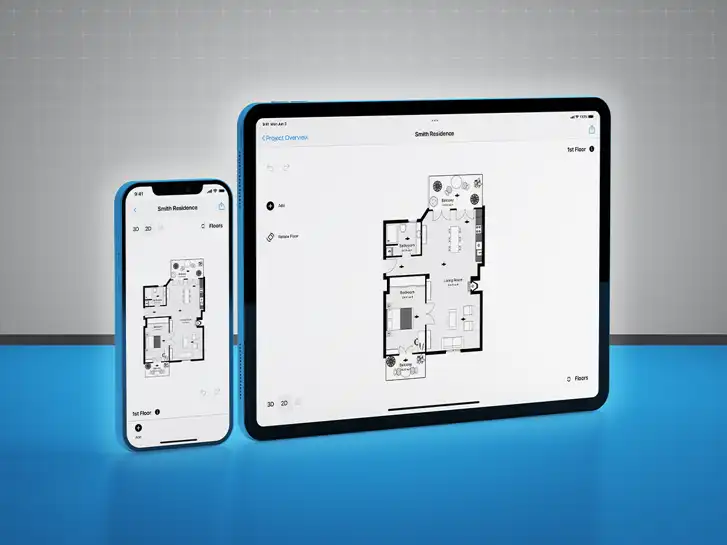
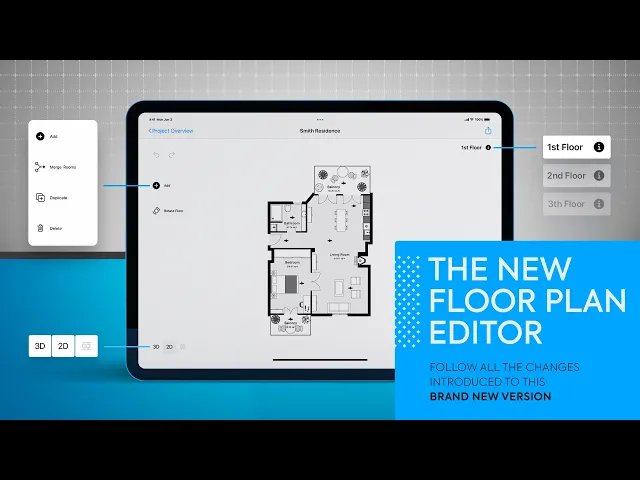
The New Floor Plan Editor is officially here!
We've prepared a short video to show you the main changes & improvements.
The new Editor is available immediately and free of charge to everyone, regardless of the subscription tier.
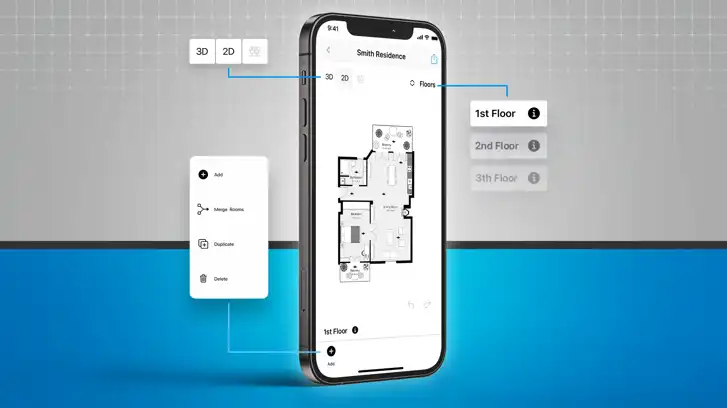
All features in a nutshell
👉 New tap interactions provide easy navigation and less chance of unintended changes
👉 Updated action menu increases editing speed and maximizes canvas size
👉 Seamless switch between 2D, 3D and Elevation view
👉 Switch between floors and create new floors from the editor
👉 3D is now also available if you don't have an internet connection
👉 The new head bar lets you export & share from the editor

IMPROVED NAVIGATION
New tap interactions provide easy navigation and less chance of unintended changes.

2D/3D/ELEVATION VIEW SWITCHER
Easily switch between 2D, 3D and Elevation view.

FLOOR SWITCHER
Switch between multiple floors and create new ones directly from the Editor.
You can learn more about how to use The New Floor Plan Editor in the video here.
Share
All features in a nutshell
IMPROVED NAVIGATION
2D/3D/ELEVATION VIEW SWITCHER
FLOOR SWITCHER

Bernd Wolfram
CPO





