



Contents
About the integration
What it does
How it works?
Requirements
How to set it up
FAQs
About the integration
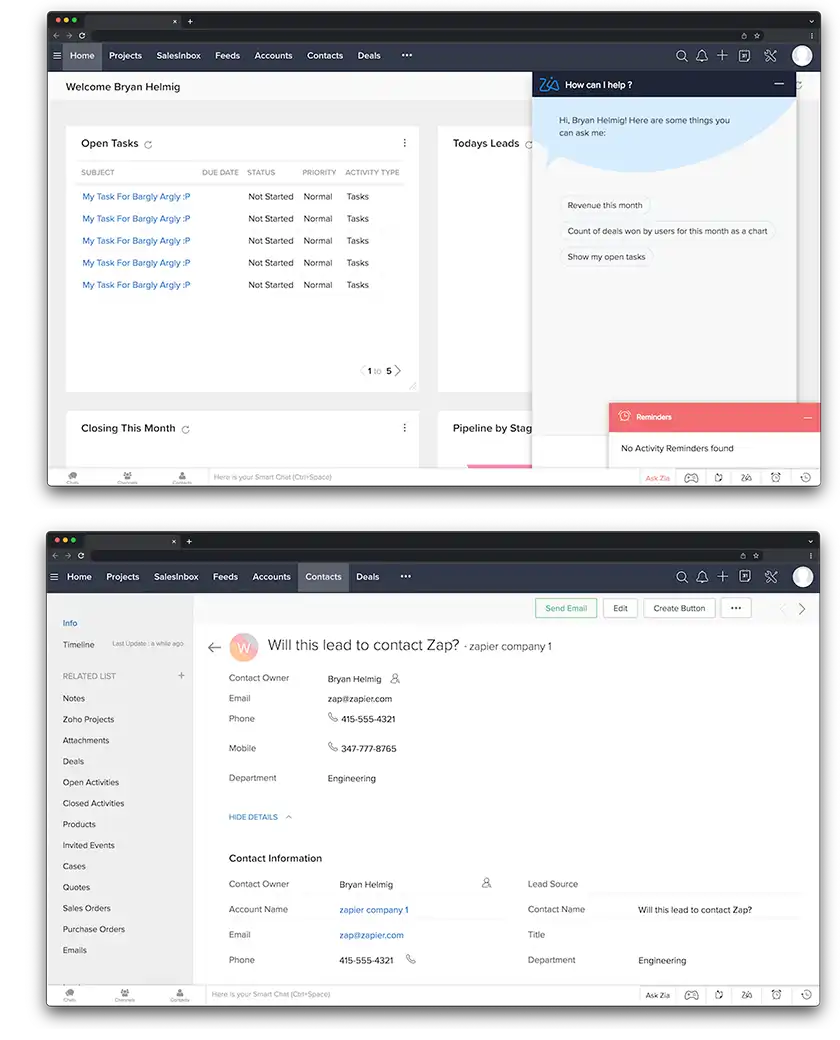
This integration connects Zoho CRM with magicplan to sync customer data and project files. It automates the creation of projects and the transfer of information between both platforms.
What it does
Create new magicplan projects automatically when you add a lead or deal in Zoho CRM.
Sync customer contact details from Zoho CRM directly into magicplan project fields.
Transfer exported magicplan files and photos to Zoho CRM records as attachments.
Update Zoho CRM module entries automatically when you export a project in magicplan.
How it works?
The connection uses Zapier to link Zoho CRM and magicplan. When a specific event happens in one app, it triggers an action in the other. Data moves between the two platforms based on the rules you set in your Zapier account.
Requirements
Active magicplan account
Zoho CRM account
Zapier account
How to set it up
Log in to your Zapier account.
Select Zoho CRM and magicplan from the app list.
Choose a trigger from Zoho CRM, such as "New Lead" or "New Deal."
Choose an action for magicplan, such as "Create Project."
Authenticate your Zoho CRM and magicplan accounts when prompted.
Map the data fields to ensure customer information appears in the correct project sections.
Test the connection and turn on the Zap.