



QuickBooks

QuickBooks magicplan integration

Comptabilité et facturation

Comptabilité et facturation

Logiciel

Logiciel

À propos de l'intégration

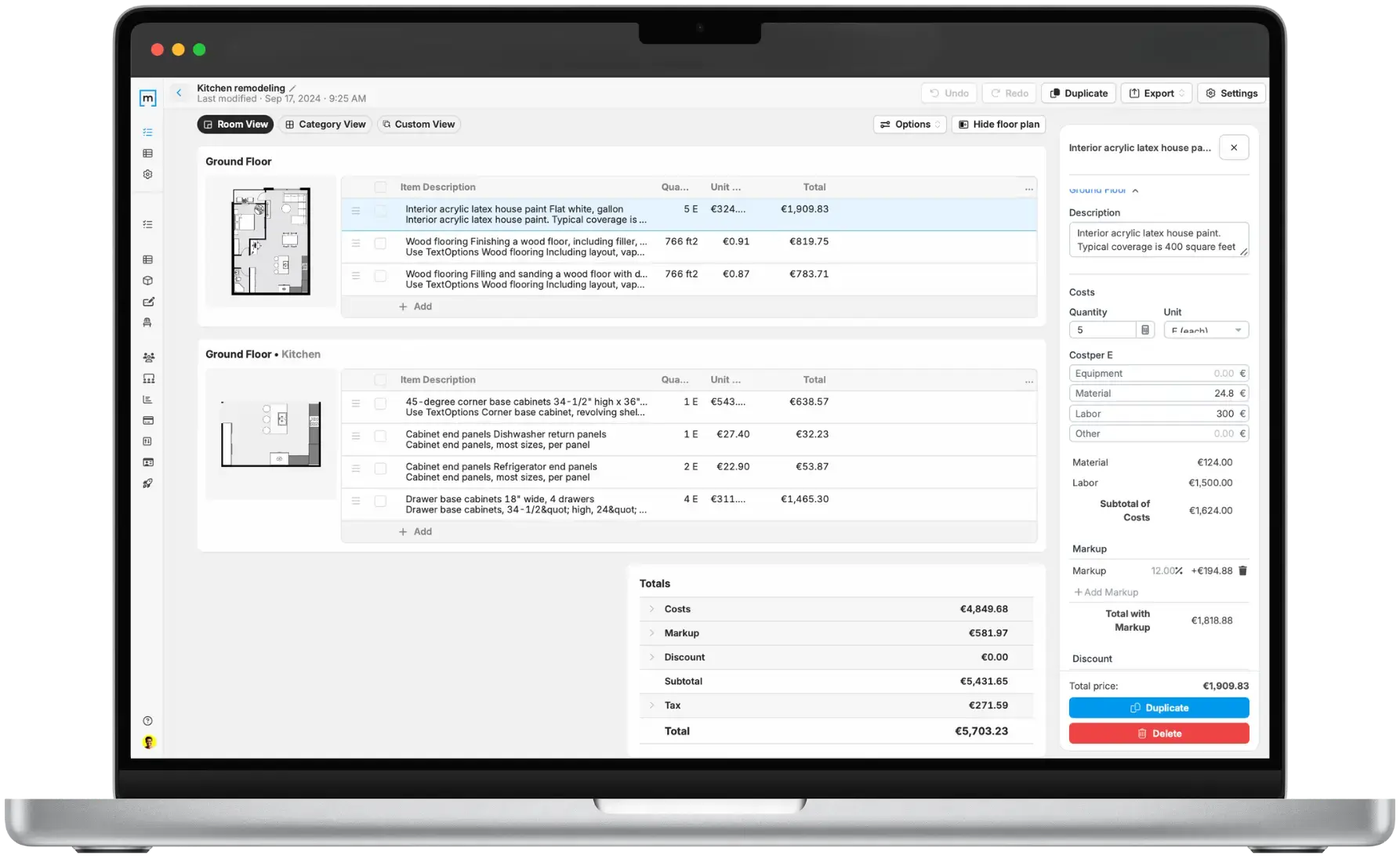
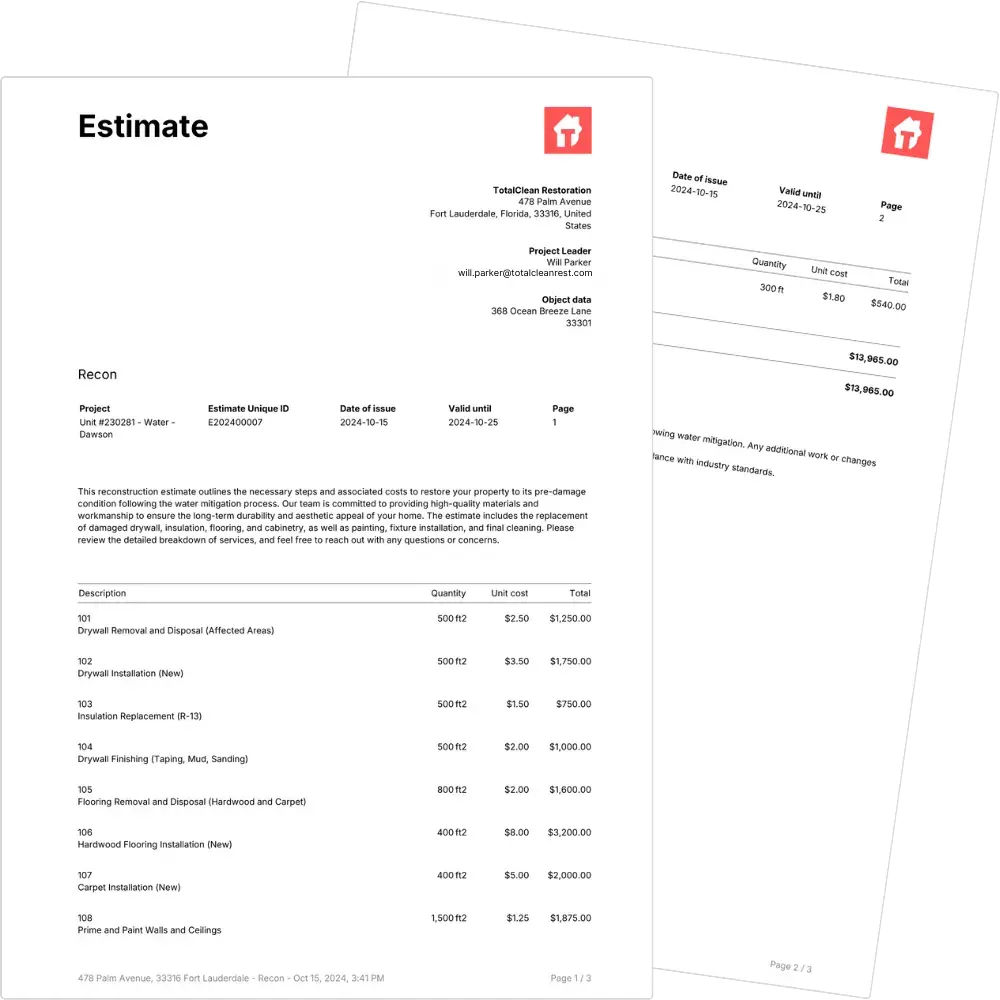
This integration connects magicplan estimates directly to your QuickBooks account. It allows you to export project costs and line items into your accounting system for invoicing and financial management.

This integration connects magicplan estimates directly to your QuickBooks account. It allows you to export project costs and line items into your accounting system for invoicing and financial management.

Ce que cela fait

  • Export magicplan estimates directly to QuickBooks

  • Generate invoices in QuickBooks using data from the field

  • Sync project information between both platforms

  • Maintain consistent pricing by matching magicplan items to QuickBooks products

Comment ça marche ?

The connection is set up directly in the magicplan Cloud or app settings. Once authenticated, users can select an estimate and export it to QuickBooks Online or Desktop as a draft invoice or estimate for seamless accounting.
Exigences

  • Active magicplan account (with a Pro or Estimate subscription)

  • Active QuickBooks Online or Desktop account

  • Stable internet connection for data synchronization

Comment le configurer

  • Open magicplan and navigate to the integration settings in the Cloud or App.

  • Select QuickBooks from the list of available integrations.

  • Click Connect and log in with your QuickBooks credentials.

  • Authorize magicplan to access your QuickBooks company data.

  • Map your magicplan price list items to your QuickBooks chart of accounts or product list.

  • Open a project in magicplan and use the export function to send your first estimate.
Questions Fréquemment Posées

Do I need to manually enter my price list in both apps?

No, you can map your existing magicplan items to your QuickBooks services to ensure the data aligns during the export.

What happens if I update an estimate in magicplan after exporting?

You will need to export the estimate again to reflect the changes in QuickBooks. The integration does not automatically update previously exported invoices.

Can I connect multiple QuickBooks companies to one magicplan account?

No, the integration supports a connection to one QuickBooks company at a time to prevent data crossover.

Do I need to manually enter my price list in both apps?

No, you can map your existing magicplan items to your QuickBooks services to ensure the data aligns during the export.

What happens if I update an estimate in magicplan after exporting?

You will need to export the estimate again to reflect the changes in QuickBooks. The integration does not automatically update previously exported invoices.

Can I connect multiple QuickBooks companies to one magicplan account?

No, the integration supports a connection to one QuickBooks company at a time to prevent data crossover.

Do I need to manually enter my price list in both apps?

No, you can map your existing magicplan items to your QuickBooks services to ensure the data aligns during the export.

What happens if I update an estimate in magicplan after exporting?

You will need to export the estimate again to reflect the changes in QuickBooks. The integration does not automatically update previously exported invoices.

Can I connect multiple QuickBooks companies to one magicplan account?

No, the integration supports a connection to one QuickBooks company at a time to prevent data crossover.

Intuit and QuickBooks are registered trademarks of Intuit Inc. Used with permission.


